
Create Production-Ready AI Videos with Gemini Omni
Gemini Omni is a multimodal AI video generator for text-to-video, image-to-video, video editing, and chat-native remix workflows.
Turn prompts, references, and existing clips into cinematic videos with sound, typography, and consistent motion.
🎁 50% off before 2026
from 99+ happy users
See Gemini Omni in Action
Explore real examples showing how Gemini Omni turns prompts, references, and chat instructions into production-ready clips - from typography-perfect ads to clean educational explainers.
Templates & Stylized Effects
Spin up Gemini Omni template-driven shots with crisp text overlays, fish-eye looks, flash transitions, and outfit swaps.

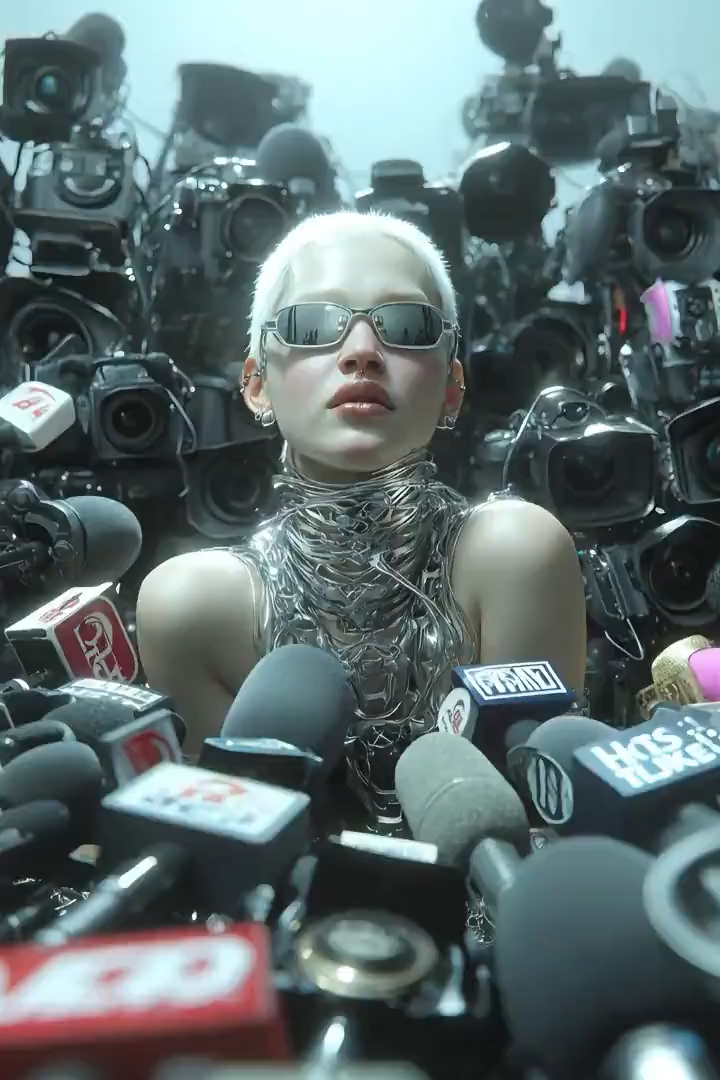
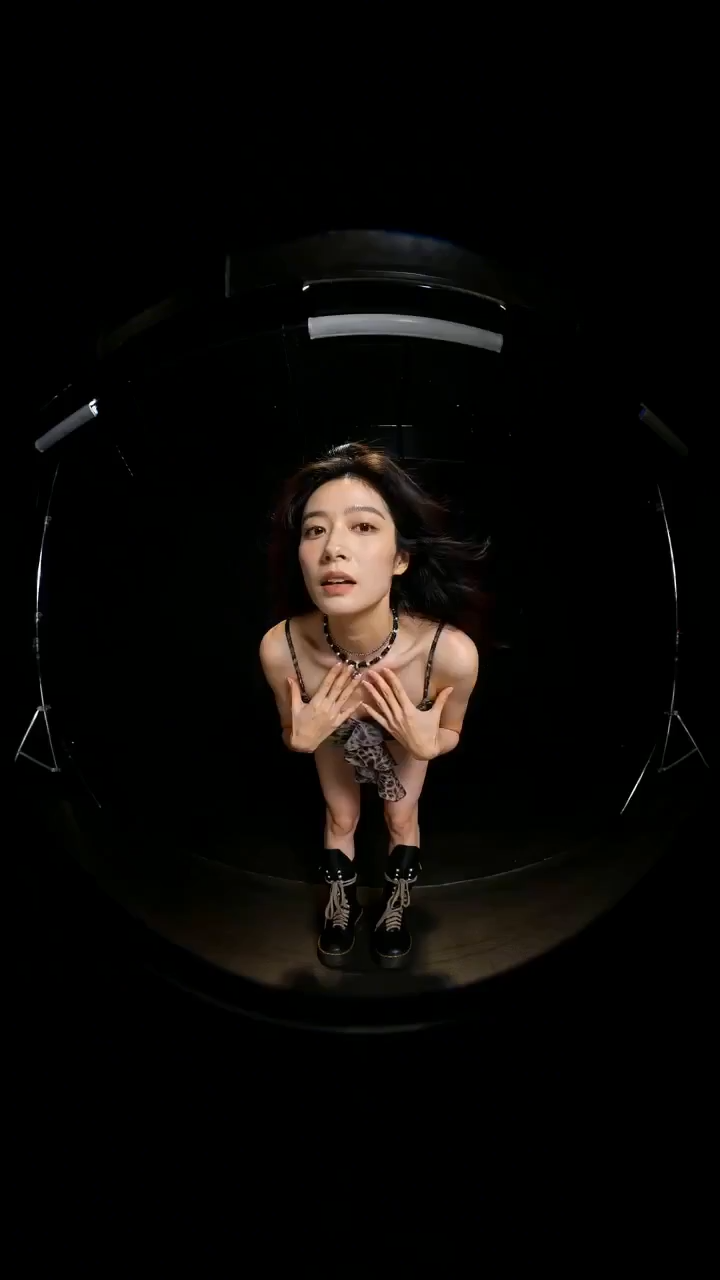
“Use the model's facial features from image 1. The model wears outfits from images 2-6, walking toward the camera with playful, cool, cute, surprised, and confident expressions. Cut between outfits with a fish-eye look and a soft flash transition. Add the on-screen text "NEW SEASON" rendered cleanly on every cut.”
Motion & Camera Direction
Combine character action from one reference with a camera move from another, then generate a cinematic scene in one shot.

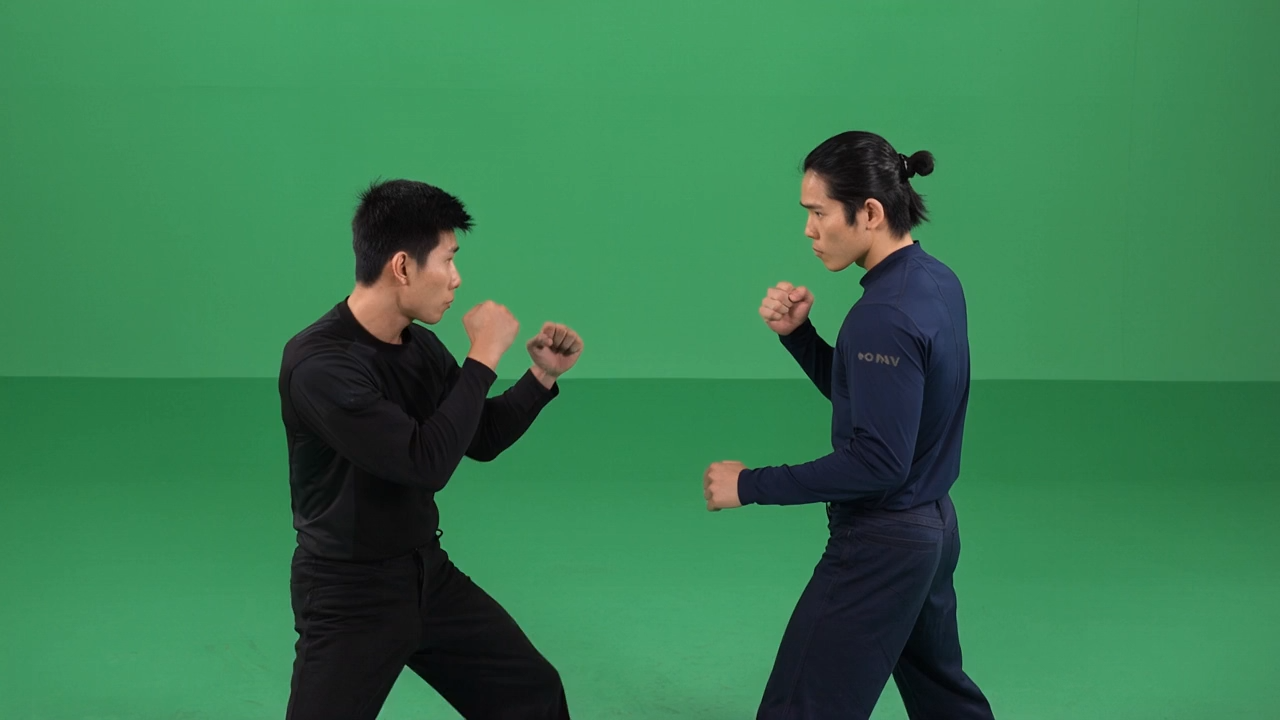
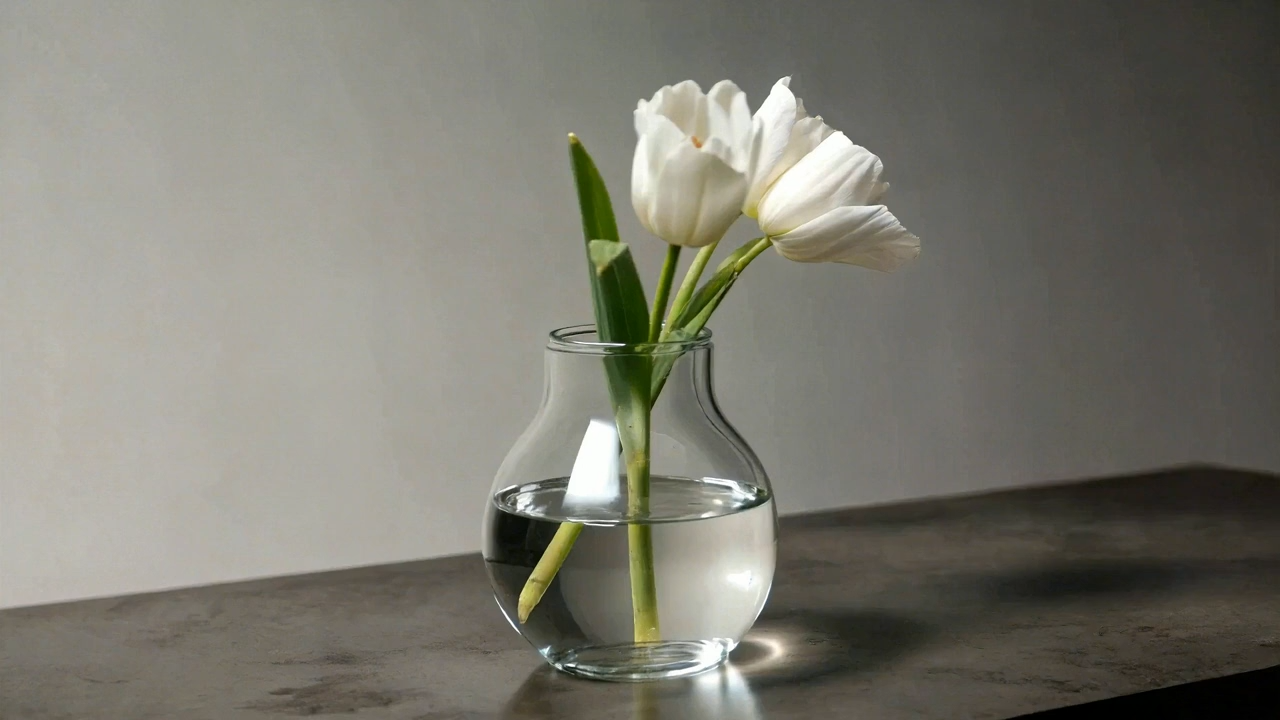
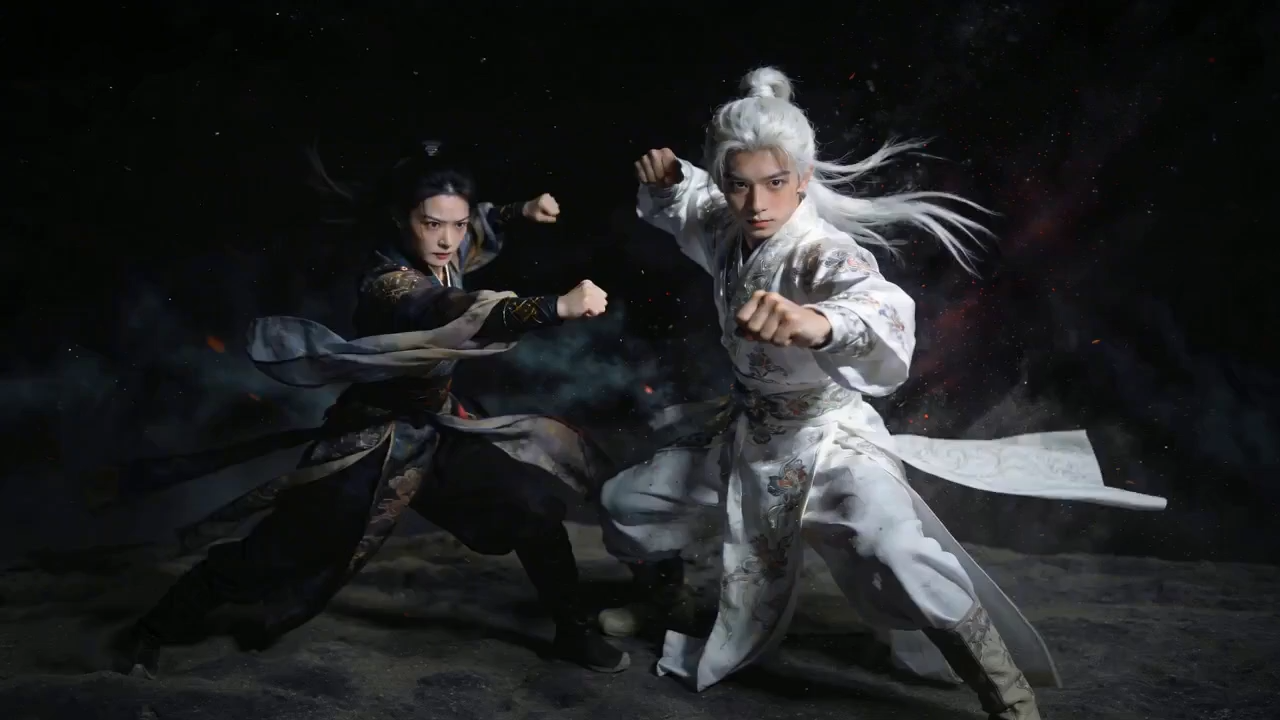
“Reference the character actions from video 1 and the orbiting camera from video 2. Generate a fight between character 1 and character 2 under a starry night sky, with white dust rising during combat. Smooth orbiting move, dramatic atmosphere.”
Chat-Native Remix
Drop in a clip, then iterate in chat: extend the scene, swap a prop, add an on-screen tagline, and keep the look consistent.

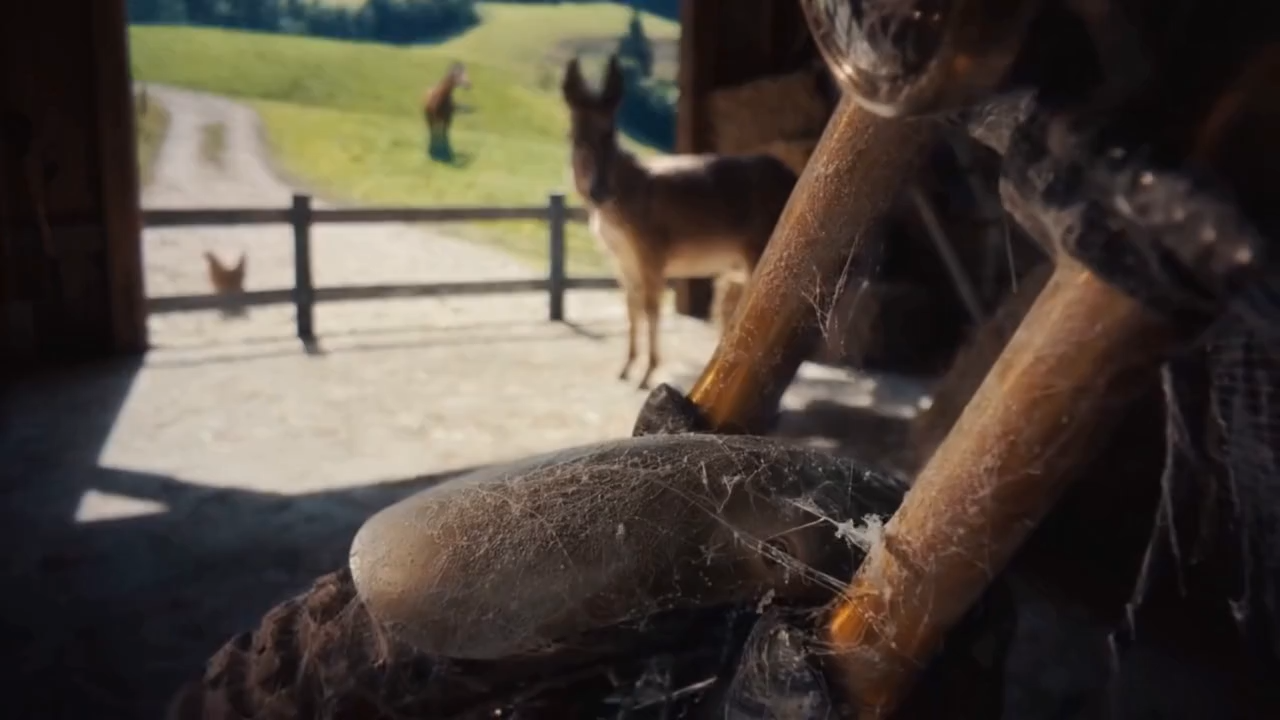
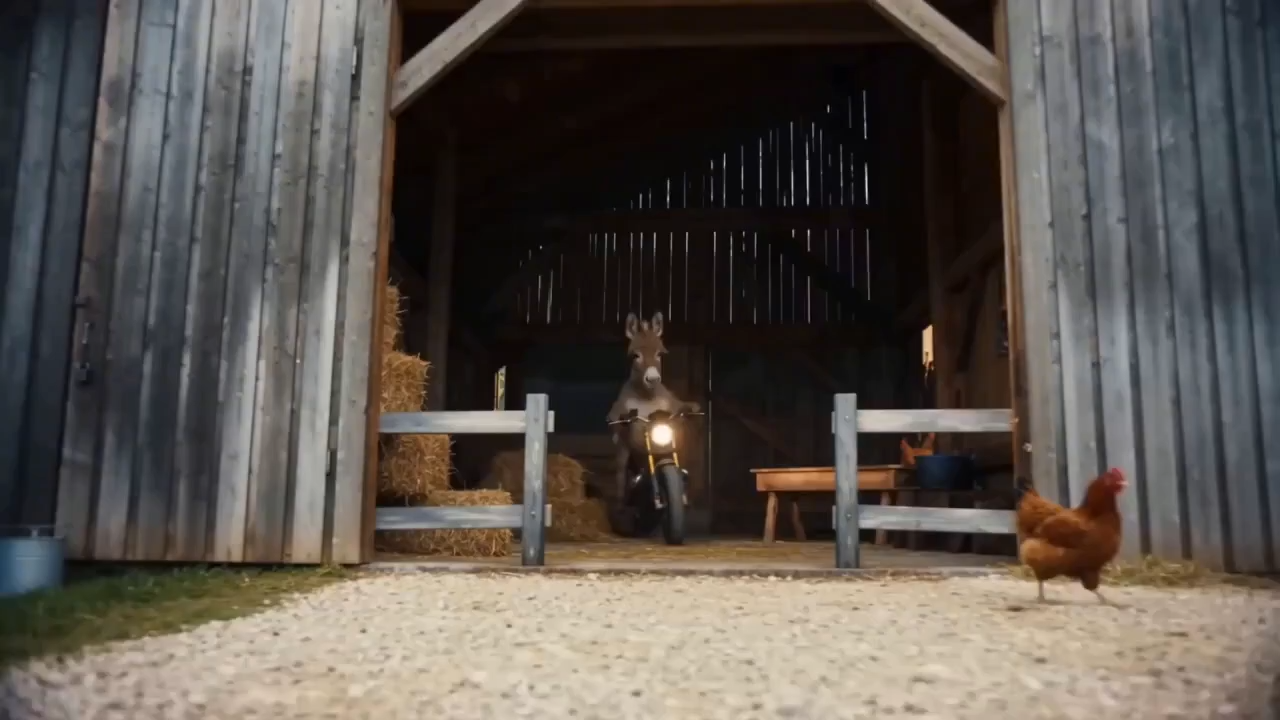
“Extend the 15s clip referencing @image1 and @image2 of a donkey on a motorcycle. Scene 1: side-shot bursting through a fence, startling chickens. Scene 2: tricks in the sand, close-up on tire, then an aerial pullback. Scene 3: mountain backdrop, the donkey jumps as the tagline "Inspire Creativity, Enrich Life" reveals through a clean masking effect.”
Cinematic Audio & Visuals
Pair precise cinematography keywords with native audio for premium voice quality, ambient sound, and production-ready motion.

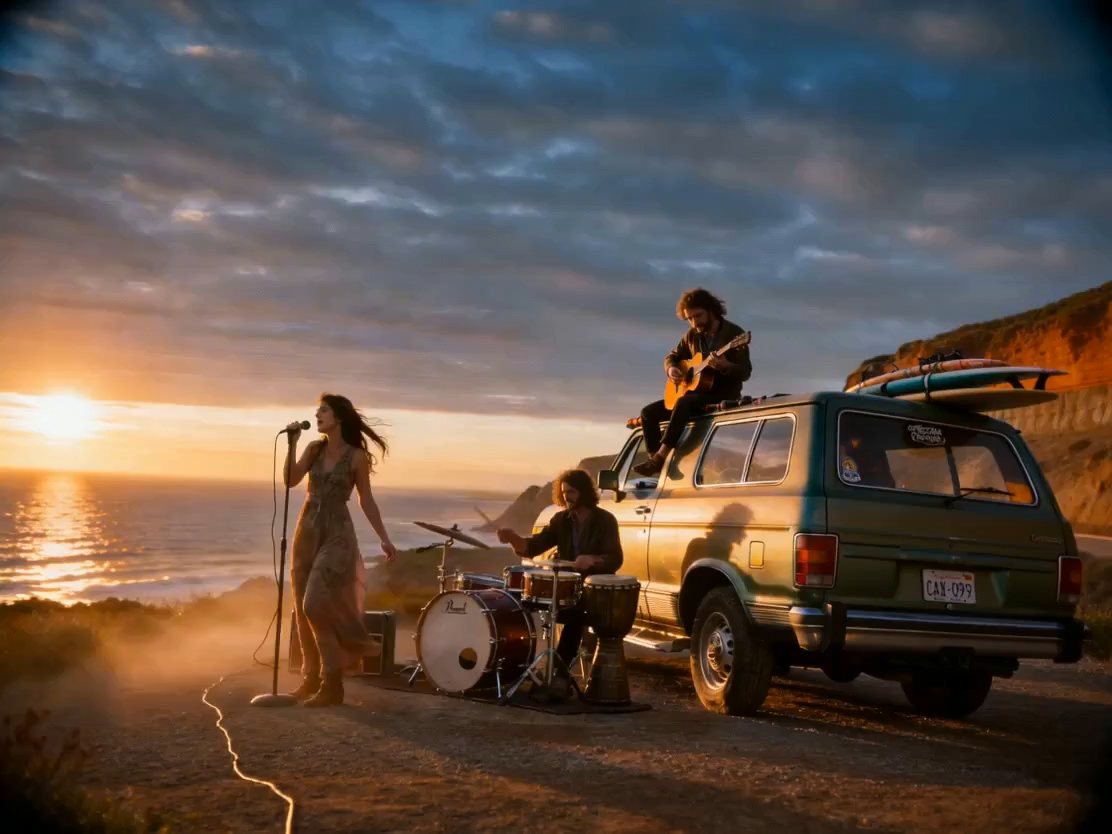
“Generate a 10-second cinematic clip. Keywords: stable composition, gentle push-pull, low-angle hero shot, documentary but premium. Ultra-wide establishing shot, slight upward tilt, cliffside dirt road with a vintage travel car in the lower third, distant sea on the horizon, golden-hour side-backlight with volumetric rays through dust, authentic film grain, wind moving the clothes.”
Chat-Style Editing & Object Swap
Replace people or props inside an existing video with one chat prompt while movements, blocking, and timing stay intact.

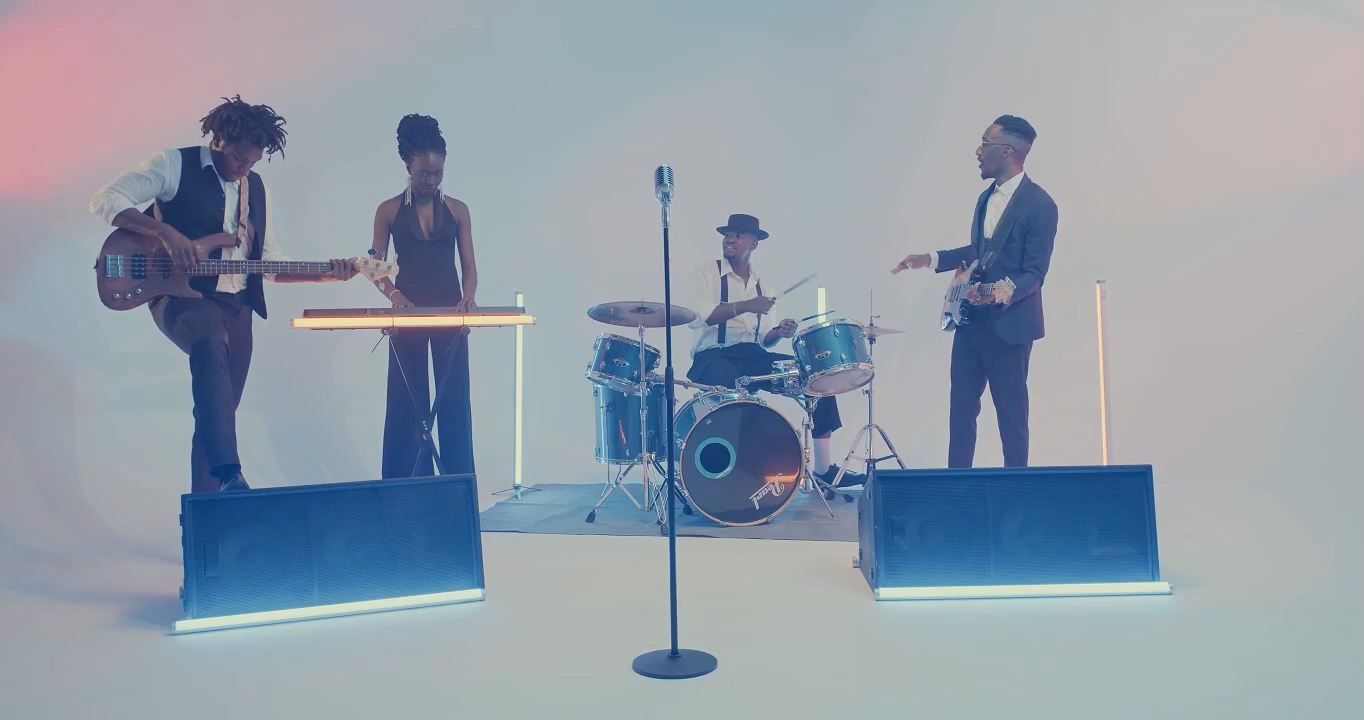
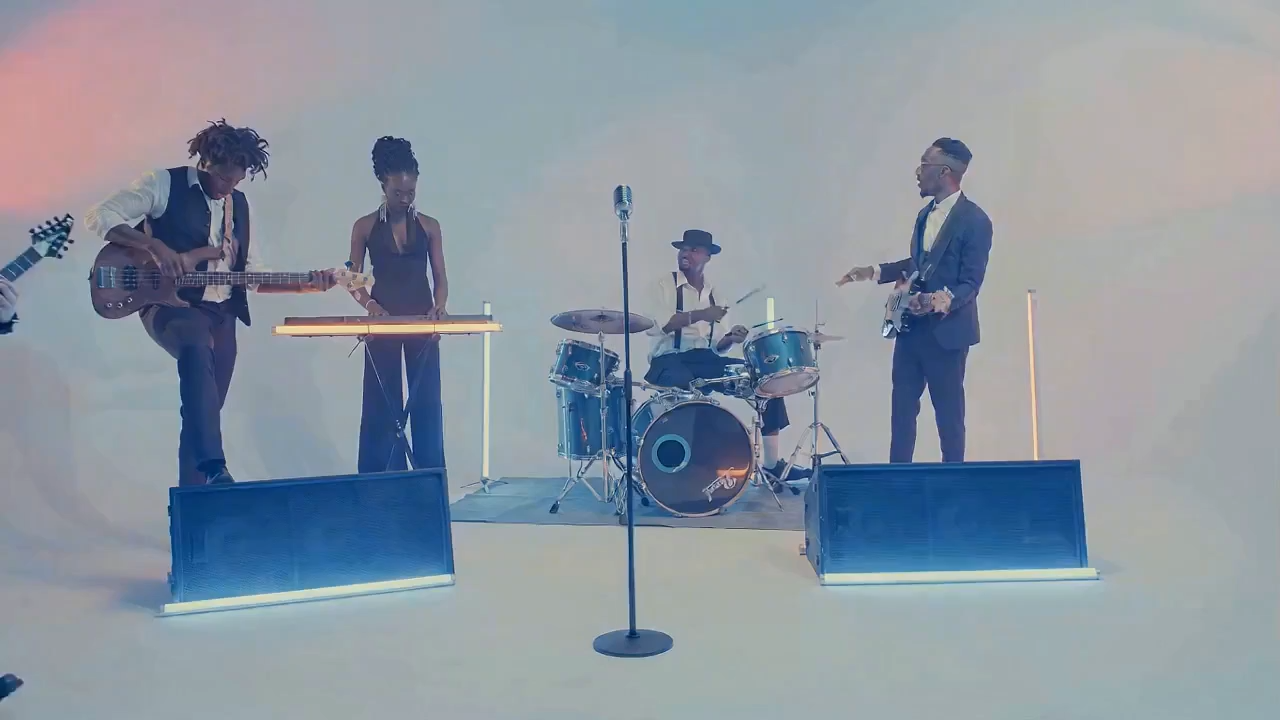
“Replace the female lead singer in video 1 with the male singer in image 1. Match the original actions exactly, no extra cuts, band keeps performing.”
Education-Ready Explainers
Generate clean explainer footage with on-screen text and equations rendered consistently for tutorials and courseware.
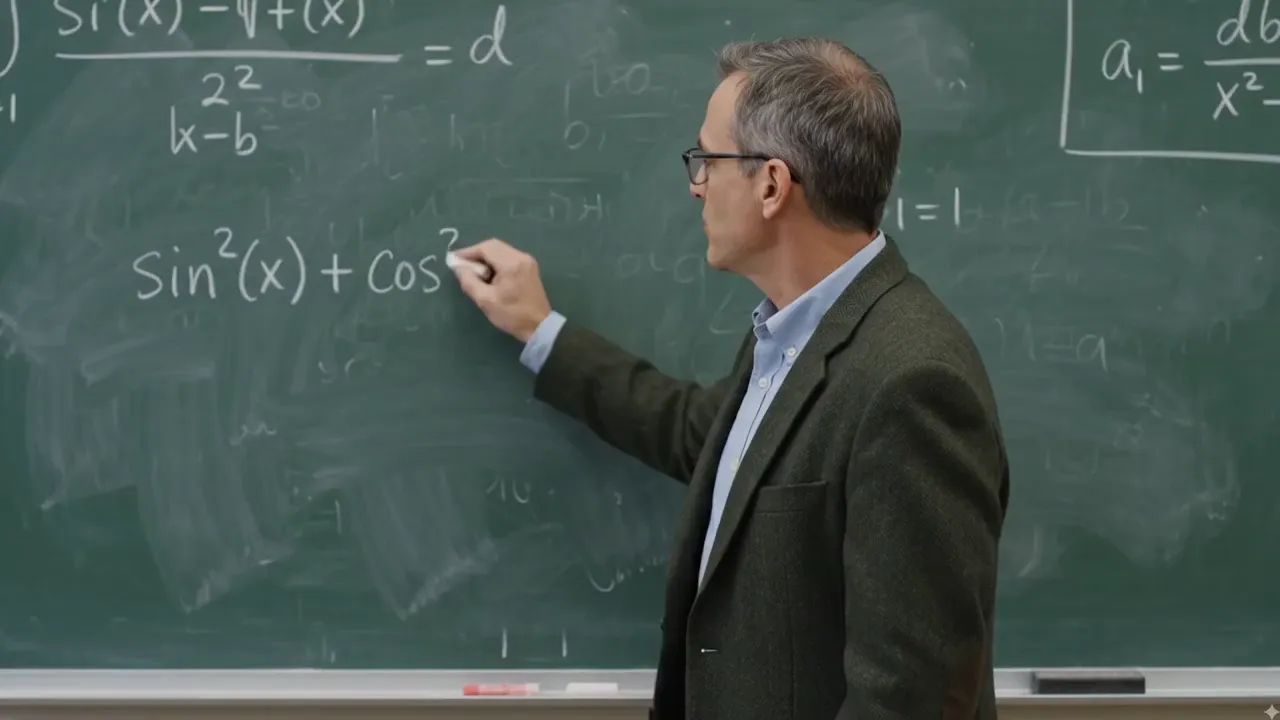
“A middle-aged professor with glasses stands at a green chalkboard full of equations, explaining the trigonometric identity sin²(x) + cos²(x) = 1, turning to face the camera as he teaches.”
From Idea to Story
Hand Gemini Omni a few images and a mood, then let it fill in a coherent micro-story with synced background music.

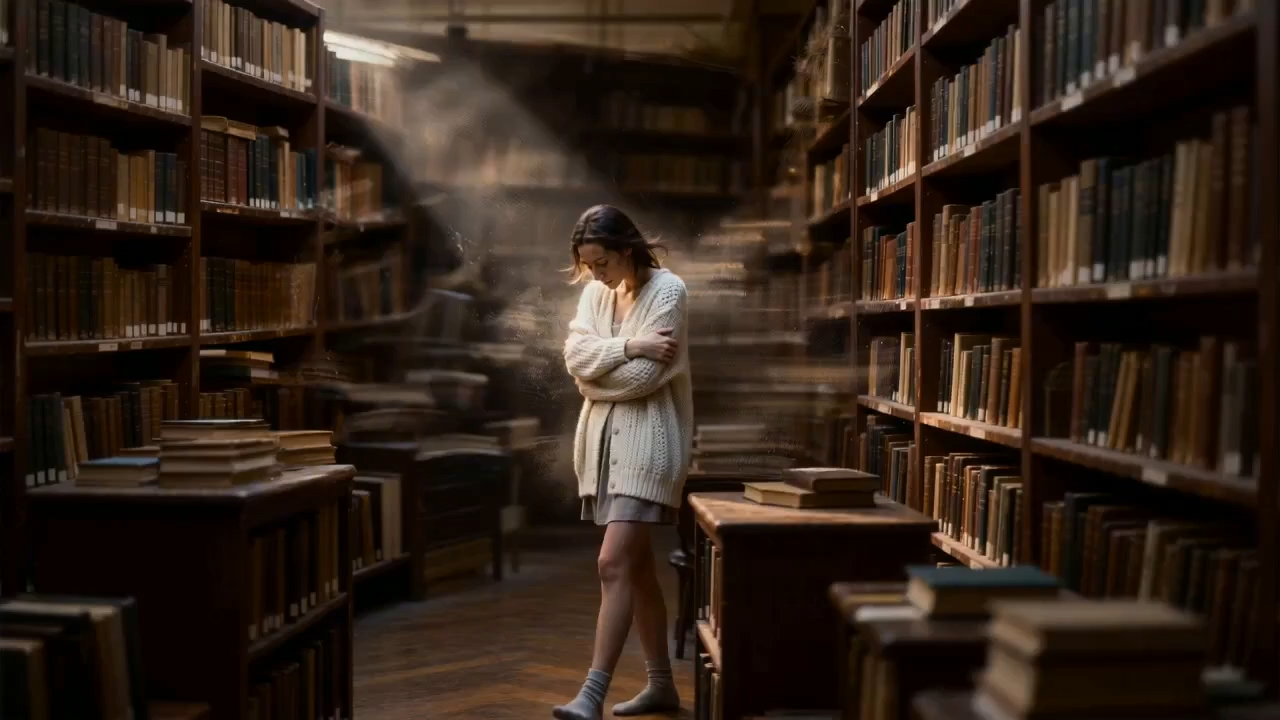
“Using the audio from video 1, create an emotional 10-second clip inspired by images 1-5. Match the rhythm of the music and end on a clean text card.”
Object Replacement in One Prompt
Swap a single object inside an existing clip while keeping camera move, lighting, plating, and steam continuity intact.
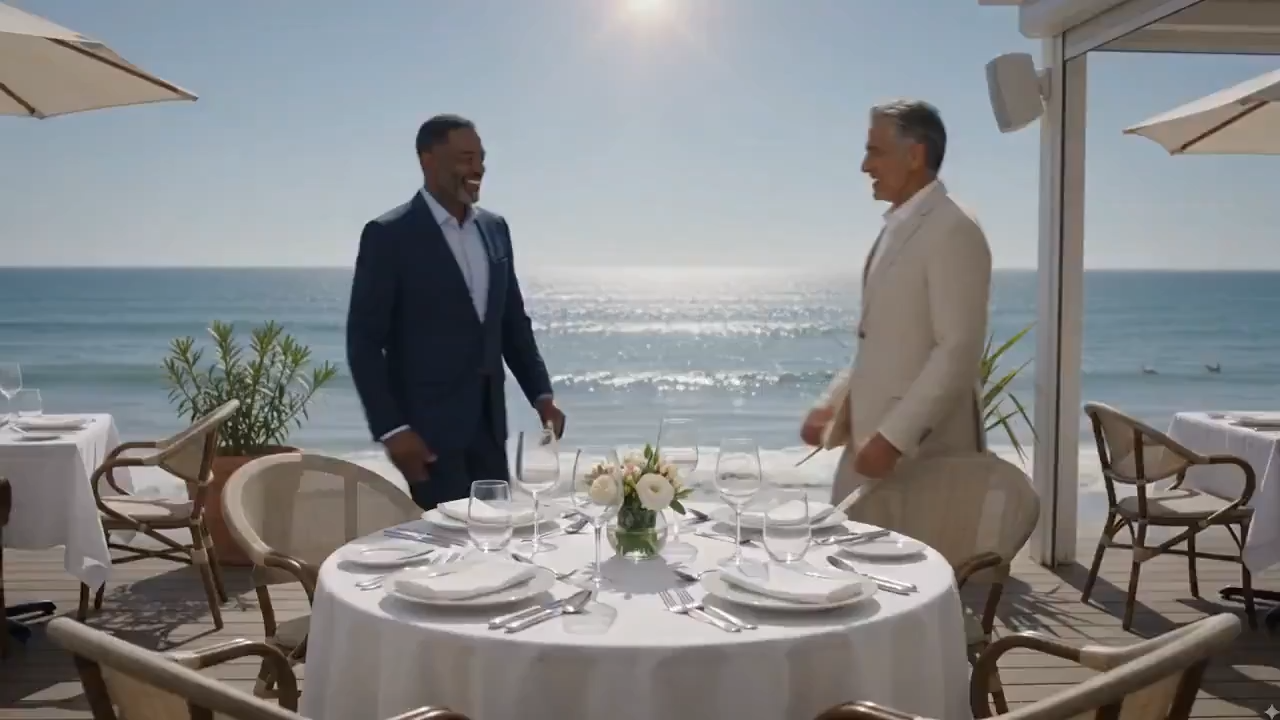
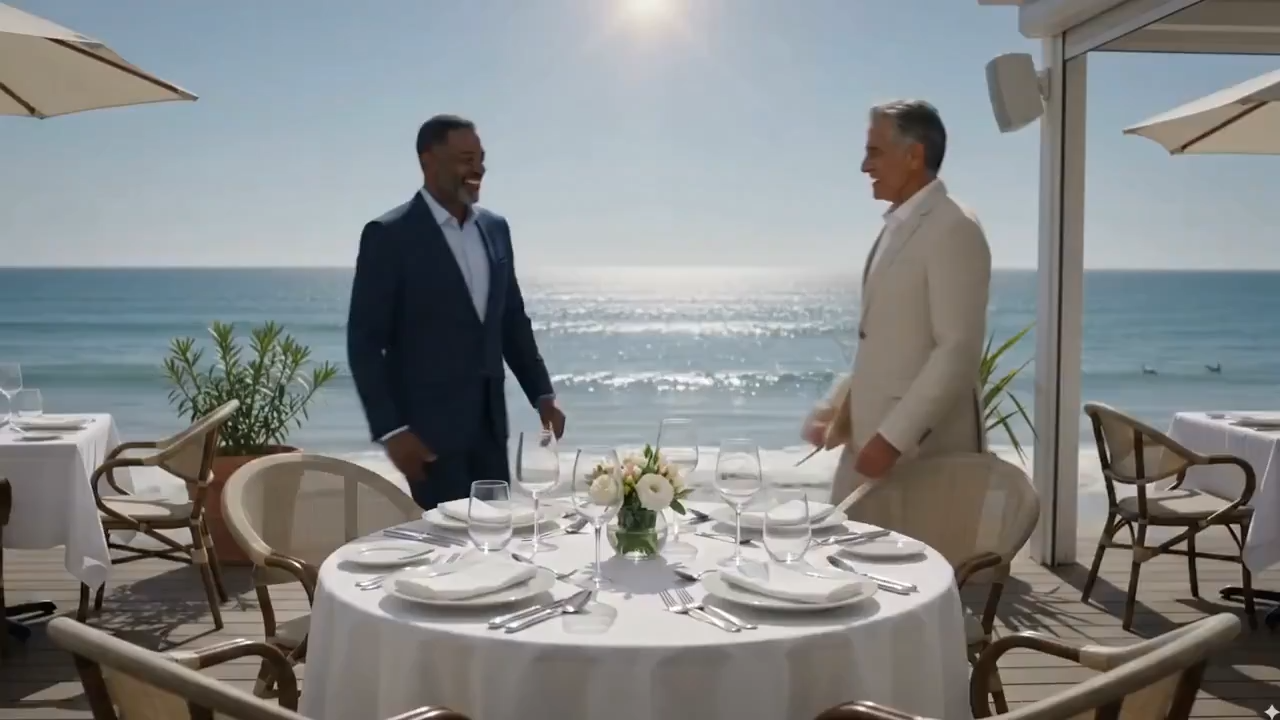
“Replace the bowl of pasta in this clip with a bowl of Tom Yum soup. Keep the camera move, lighting, plating, and table setting identical. Steam rises naturally from the new soup.”
Watermark & Branding Cleanup
Remove third-party watermarks from existing footage while preserving framing, motion, color grade, and subject performance.
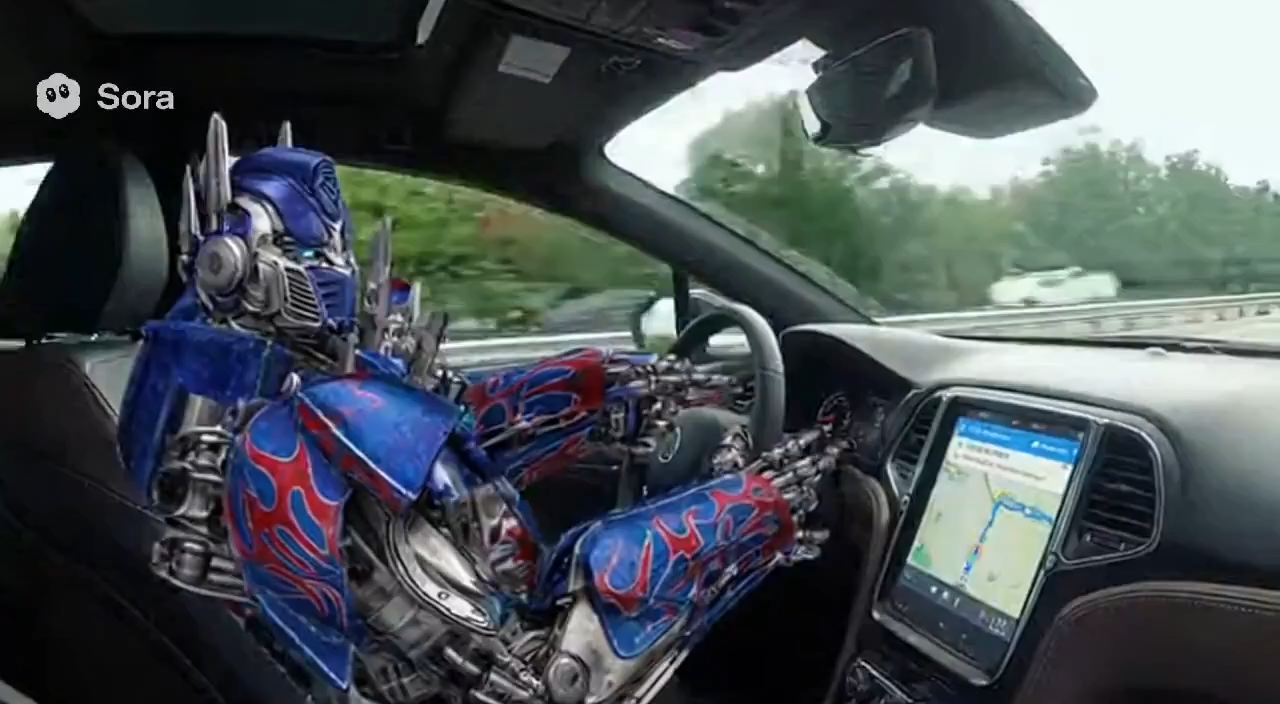
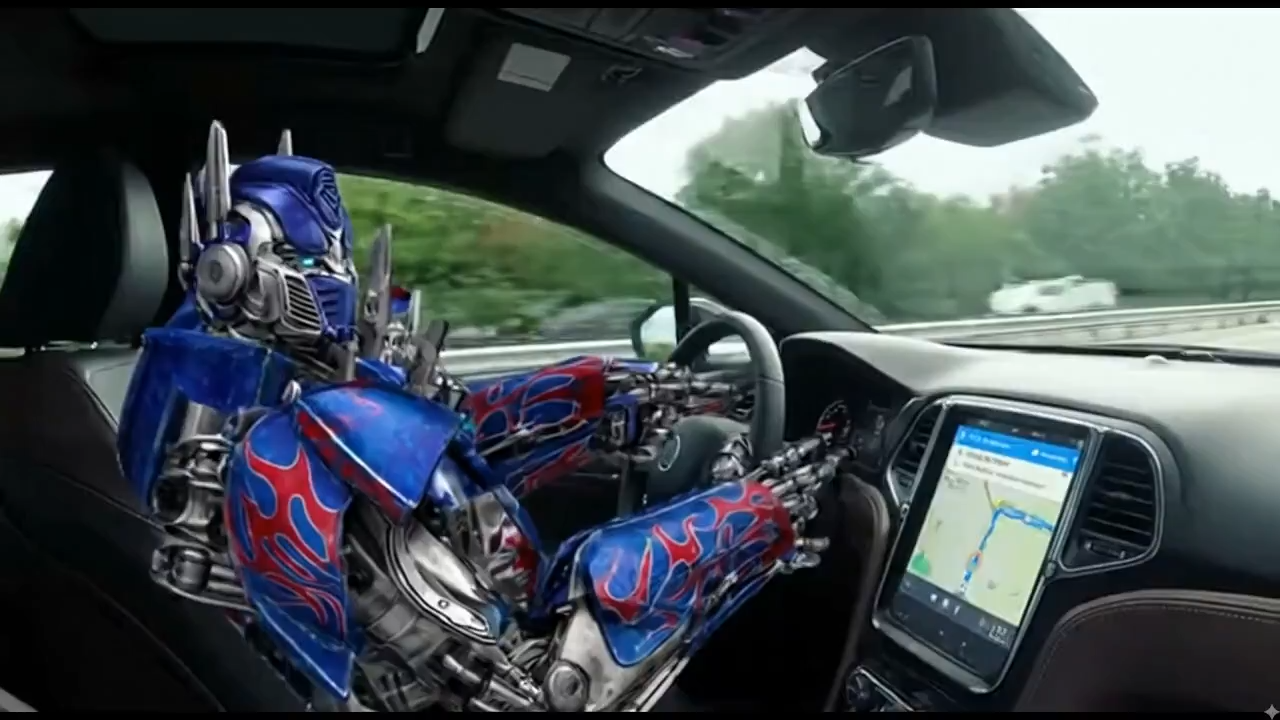
“Remove the Sora watermark from this clip. Don't change anything else - keep the original framing, camera motion, color grade, and subject performance exactly intact.”
Powerful Features of Gemini Omni
Everything you need to generate, remix, and edit AI videos from prompts, images, clips, and natural-language instructions.
Multimodal Video Generation
Create videos from text prompts, reference images, existing clips, and mixed creative inputs in one workflow.
Chat-Native Editing
Revise scenes with plain language: swap objects, remove watermarks, change scenes, or extend a clip without a timeline.
Reference-Guided Consistency
Keep characters, outfits, products, and visual direction stable across generated shots and edited sequences.
Cinematic Motion Control
Guide camera movement, pacing, framing, and scene blocking for ads, explainers, social clips, and storyboards.
Audio-Aware Outputs
Create videos that support voice, ambience, rhythm, and story-driven sound when the workflow requires audio.
Production-Ready Results
Generate clean typography, polished motion, and downloadable assets for marketing, education, and creative production.
Creators Choose Gemini Omni
for multimodal video generation, editing, and remix workflows.
Creative workflows
99+
Use cases
Video modes
5+
Workflows
Start creating in
5
Minutes
What Users Say About Gemini Omni
Hear from creators and teams using Gemini Omni for AI video generation, remixing, and editing.

Sarah Johnson
Digital Artist
Gemini Omni turned our campaign ideas into reviewable video drafts in minutes. The motion, text, and overall prompt adherence made iteration much faster.

Mike Rodriguez
Marketing Designer
Chat-native editing is the part that changed our workflow. We can ask for object swaps or scene adjustments without rebuilding the whole video.

Emma Chen
Content Creator
As a content creator, Gemini Omni helps me move from a rough idea to short-form video concepts quickly. It is especially useful for testing hooks and visual direction.

Alex Thompson
Freelance Designer
The reference-based workflow gives us more control than a simple prompt box. We can guide character action, camera movement, and style with much less guesswork.

Lisa Wang
Social Media Manager
Being able to generate and edit video in the same creative flow helps our social team move faster during launches and live campaigns.
David Kim
Creative Director
Gemini Omni gives our design team a practical video sandbox for ads, explainers, and product scenes before we commit to final production.
Start Creating Gemini Omni Videos Today
Turn prompts, images, and existing clips into editable AI videos with Gemini Omni.